Discord ticket bot with a web inbox
Members click a button, a private channel opens, your team answers, in Discord or straight from the browser.
This is how it looks in Discord
A full support desk: button panels, private channels, teams with real permissions, and a web inbox for answering.
Need help?
Ticket #0042
Tickets in 30 seconds
What it does in your server, shown in Discord. With captions in five languages, and every scene also written out as text.
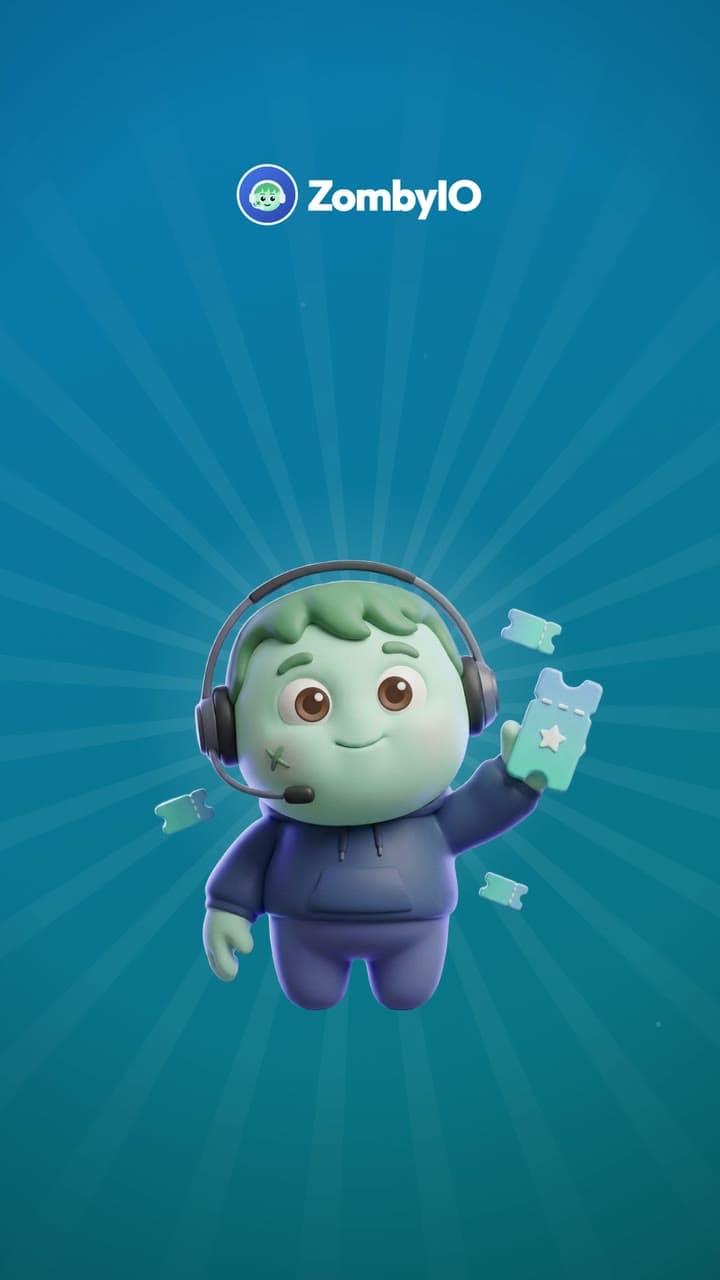
Read the video as text
Each step describes the picture first, then quotes what the voice says.
White words appear on black as they are spoken, with “general chat?” in blue. Behind them, blurred chat bubbles drift upwards like a busy channel.
“Support requests buried in the general chat?”
Blue light opens from the centre. The ZombyIO logo, a round badge with a zombie face in a headset, appears at the top. The zombie mascot springs up holding a ticket, and the title “Tickets” appears.
“Meet ZombyIO Tickets.”
Headline: “One click. A private channel.” In #support on the server Night Owls, the “Open a ticket” button is tapped. ZombyIO replies “Your ticket is ready: #ticket-0042” and a locked channel appears in the list.
“Members click a button, and a private channel opens.”
Inside #ticket-0042, Alex writes “I cannot see the event channels any more”. A label reads “Claimed by Mia”; Mia replies “Fixed, your roles are back. Try again?”, presses “Close ticket”; the bot posts “Ticket closed.”
“Your team claims it, answers it, and closes it.”
Labels “Discord” and “Browser” light up in turn. The channel gives way to a light web page, “Tickets”, marked “Live”: Kai’s #0043 is Open, #0042 and #0041 are Closed. Mia sends Kai “Checking now, one moment!”
“In Discord, or right from the browser.”
Labels “Forms” and “Transcripts”. A form “Open a ticket” gets two required answers, “My roles are missing” and “Since yesterday”. Below, a ZombyIO DM: “Your ticket #0042 has been closed. Read the transcript:” and a link.
“Forms and transcripts included.”
Headline: “Permissions, exactly as you grant.” A settings card for the team “Support”, with three members. Switches turn on for See tickets, Reply, Claim and Close; Manage and Read transcripts stay off.
“Every team gets exactly the permissions you grant.”
A large “Free.” with “Claiming, forms and transcripts on every server.” Labels: “1 panel”, “3 teams”, “Transcripts kept 30 days”. The mascot with the ticket floats up in the corner.
“Free to use.”
End card: the ZombyIO logo, a green zombie face in a blue headset, above “ZombyIO” and “Run your Discord server without the busywork.” A white button reads “zomby.io”, with “Free for every server” below.
“ZombyIO. Add it free at zomby.io.”
How it works
Claiming, auto-close, intake forms and transcripts are all free, with no exceptions.
Teams work like Discord permissions: each one gets exactly the capabilities you grant.
The web portal shows every ticket live, and your team can reply without opening Discord.
Set it up in three steps
Add ZombyIO to your server
Click “Add to Discord”, choose the server and confirm. Quick Start opens straight afterwards and asks what the server is for.
Add to DiscordOpen Tickets in the dashboard
Your server list, then Tickets: two clicks. Or press Ctrl K anywhere in the dashboard and type the name.
Set it up and save
Answer the three questions on the Tickets page: where the ticket button goes, where tickets open and who answers them. Then click Set it up and publish.
What is free, and what Premium adds
Premium costs €6 a month per server and is shared by every admin of that server. It raises limits, it does not unlock the feature.
| What | Free | Premium |
|---|---|---|
| Ticket panels | 1 | 50 |
| Support teams | 3 | 25 |
| Transcripts kept for | 30 days | 365 days |
Questions about Tickets
Is Tickets free?
Yes. Tickets works on the free plan, which is not a trial and does not expire. Premium costs €6 a month per server and only raises the limits in the table above.
Can members read their ticket after it is closed?
Yes, with Transcripts switched on and a portal address claimed. The opener then gets a direct message with a link to the transcript and can read it after signing in with Discord. Transcripts stay readable for 30 days on the free plan and 365 days on Premium.
Can I stop members from spamming tickets?
Yes. Set how many open tickets one member may have at once, two by default, and the button refuses anything past that. Blocked roles and blocked members cannot open tickets at all. The whole server also has a ceiling that stops a wave of throwaway accounts: at most 200 open tickets and 60 new ones in ten minutes.