Discord welcome bot for greeting new members
Greet new members the moment they join, in a channel or by direct message.
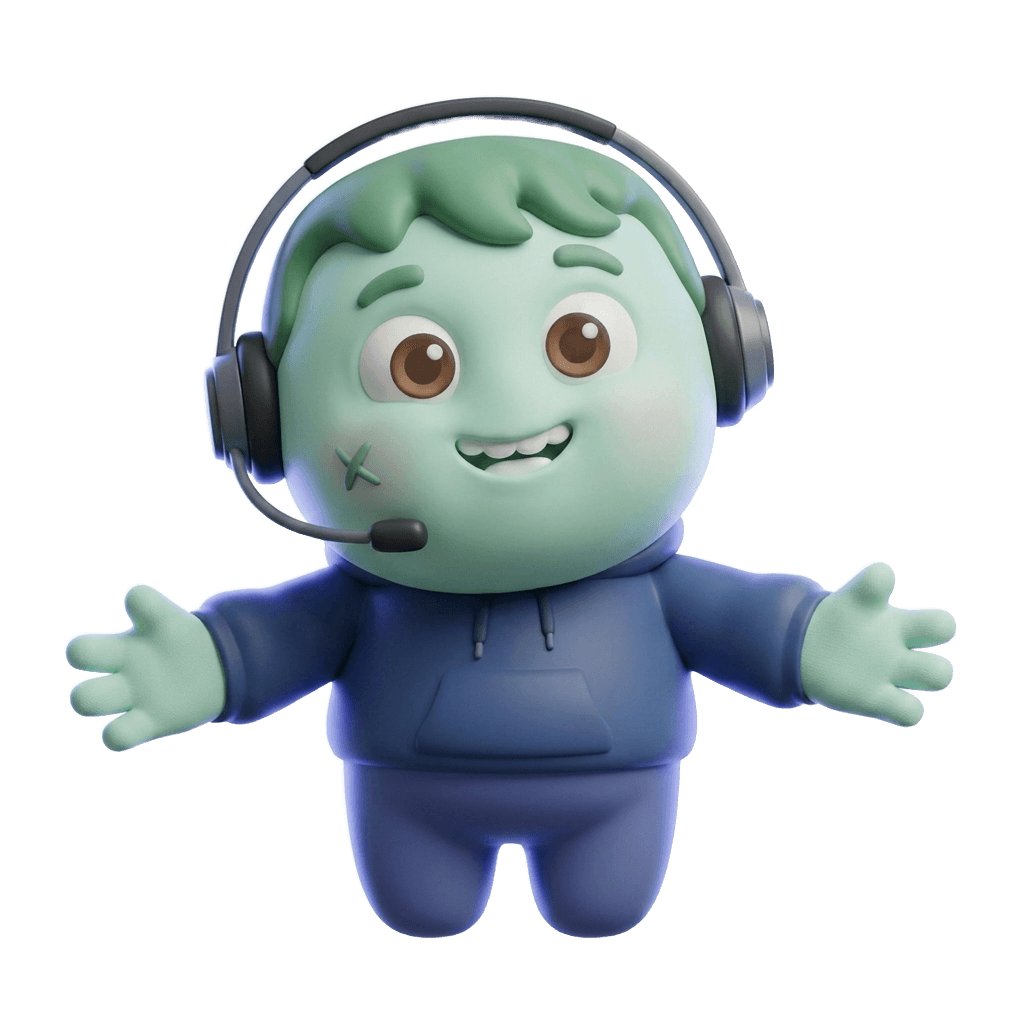
This is how it looks in Discord
Greet new members in a channel or by direct message.
Welcome messages in 30 seconds
What it does in your server, shown in Discord. With captions in five languages, and every scene also written out as text.
Read the video as text
Each step describes the picture first, then quotes what the voice says.
An empty, dimmed #welcome channel reading “Welcome to #welcome!”, with a blinking cursor in the message box. Large white words build up over it; “silent room.” is green.
“Nobody likes walking into a silent room.”
A green circle opens from the centre. Under the ZombyIO logo, “Welcome messages” appears in large white letters, and the green zombie mascot in a headset springs up, smiling with both arms open wide.
“Meet ZombyIO Welcome messages.”
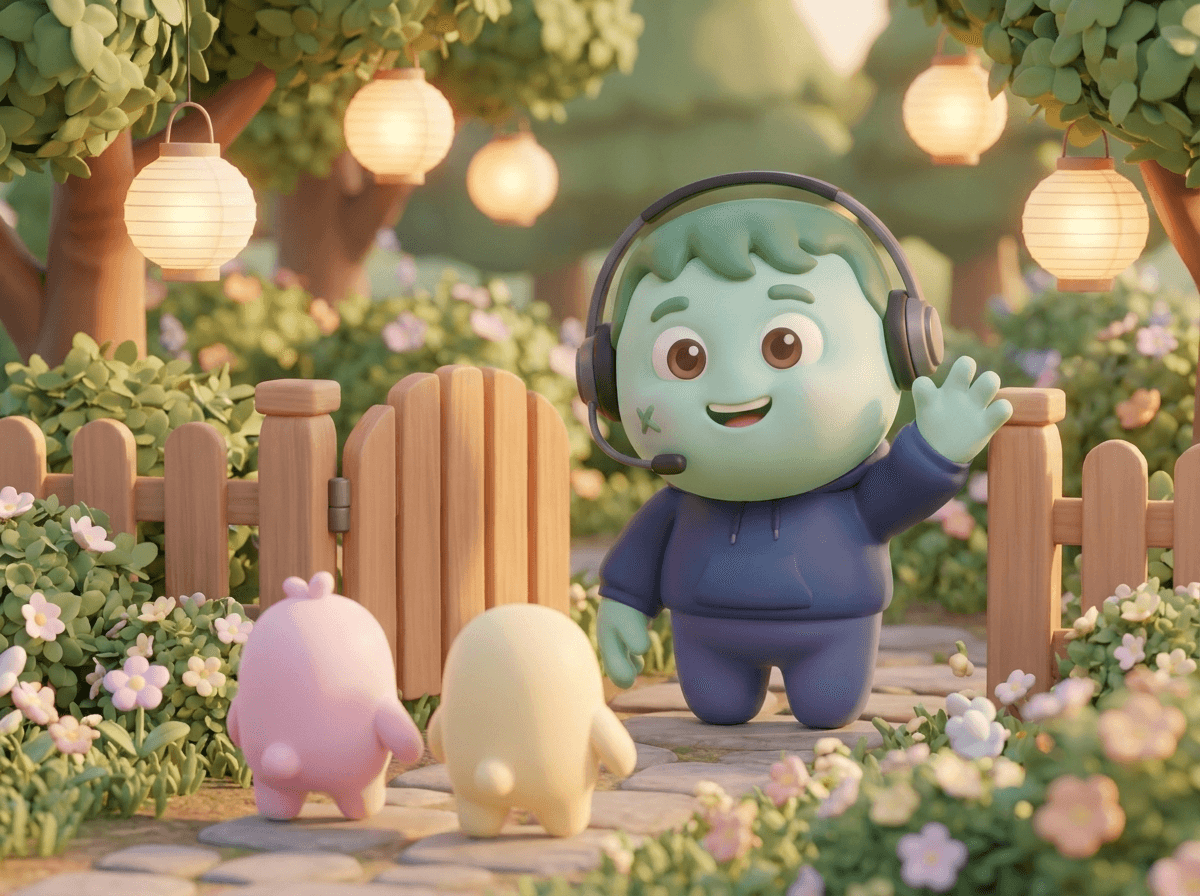
In #welcome, “Alex just showed up!” and ZombyIO posts “@Alex joined Night Owls. Welcome!” with a banner of the mascot waving by a garden fence. Kai joins and gets the same greeting.
“Greet every new member by name, the moment they join.”
The #welcome window shrinks and a Direct Messages window appears below it with ZombyIO’s “Welcome to Night Owls!”. Both windows light up with a green outline and a tick.
“In a channel, by direct message, or both.”
A zomby.io settings card, “Welcome messages”, with a Channel message field. Placeholders drop in as they are named: “{user.mention} joined {server}. Welcome! We are now {membercount}!”
“Add a mention, the server name, the member count.”
A “Live preview” panel rises under the card and follows every keystroke: “@Alex joined Night Owls. Welcome! We are now 128! Pull up a chair.”, above the garden banner.
“And see it live, before anyone else does.”
“Free.” in large green letters, then “Greetings in a channel, by DM or both, on every server.” Chips: “Channel and DM”, “Embeds with banners”, “Live preview”.
“Free to use.”
End card: the ZombyIO logo, a green zombie face in a blue headset, above “ZombyIO” and “Run your Discord server without the busywork.” A white button reads “zomby.io”, with “Free for every server” below.
“ZombyIO. Add it free at zomby.io.”
How it works
Fires once per member: when they join, or when they accept the rules if your server has a rules screen.
An embed stands out more than plain text and can carry a banner image.
Pick a channel everyone can read. Without one, only the direct message goes out, if you switched it on.
Set it up in three steps
Add ZombyIO to your server
Click “Add to Discord”, choose the server and confirm. Quick Start opens straight afterwards and asks what the server is for.
Add to DiscordOpen Welcome messages in the dashboard
Your server list, then Welcome messages: two clicks. Or press Ctrl K anywhere in the dashboard and type the name.
Set it up and save
Under “Set it up”, pick the channel and switch the greeting on. Then write your message and use the placeholders for the member’s name or the member count.
What is free, and what Premium adds
Premium costs €6 a month per server and is shared by every admin of that server. It raises limits, it does not unlock the feature.
| What | Free | Premium |
|---|---|---|
| Fields in one embed | 3 | 25 |
| Largest picture upload | 2 MB | 6 MB |
| Generated welcome image | Not included | Included |
Questions about Welcome messages
Is Welcome messages free?
Yes. Welcome messages works on the free plan, which is not a trial and does not expire. Premium costs €6 a month per server and only raises the limits in the table above.
Can new members get the welcome message by DM?
Yes. Switch on “Also send a direct message” and write the text for it. Members who block direct messages from the server do not get it, so the greeting in the channel is still worth keeping.
Can the greeting mention the new member and show the member count?
Yes. The editor has placeholders for the member’s name, a mention, the server name and the member count. Click one to copy it, paste it into your text, and it is filled in when the greeting is sent.
Honest pricing
The features other bots charge for are free here. Premium raises the limits, it does not unlock the basics.
Pricing