Discord bot for Twitch live notifications
Tell your server when a streamer goes live, usually within seconds, with the title and the game.
This is how it looks in Discord
Tell your server when a streamer goes live, usually within seconds, with the title and the game.
shroud is live on Twitch!
Ranked grind, road to top 500
Twitch notifications in 30 seconds
What it does in your server, shown in Discord. With captions in five languages, and every scene also written out as text.
Read the video as text
Each step describes the picture first, then quotes what the voice says.
A stream player shows “Starting stream”, then the mascot waving in a garden, with a red “LIVE” badge and “48 watching”. Big white words build; “Your community should know.” is in purple.
“You just went live. Your community should know.”
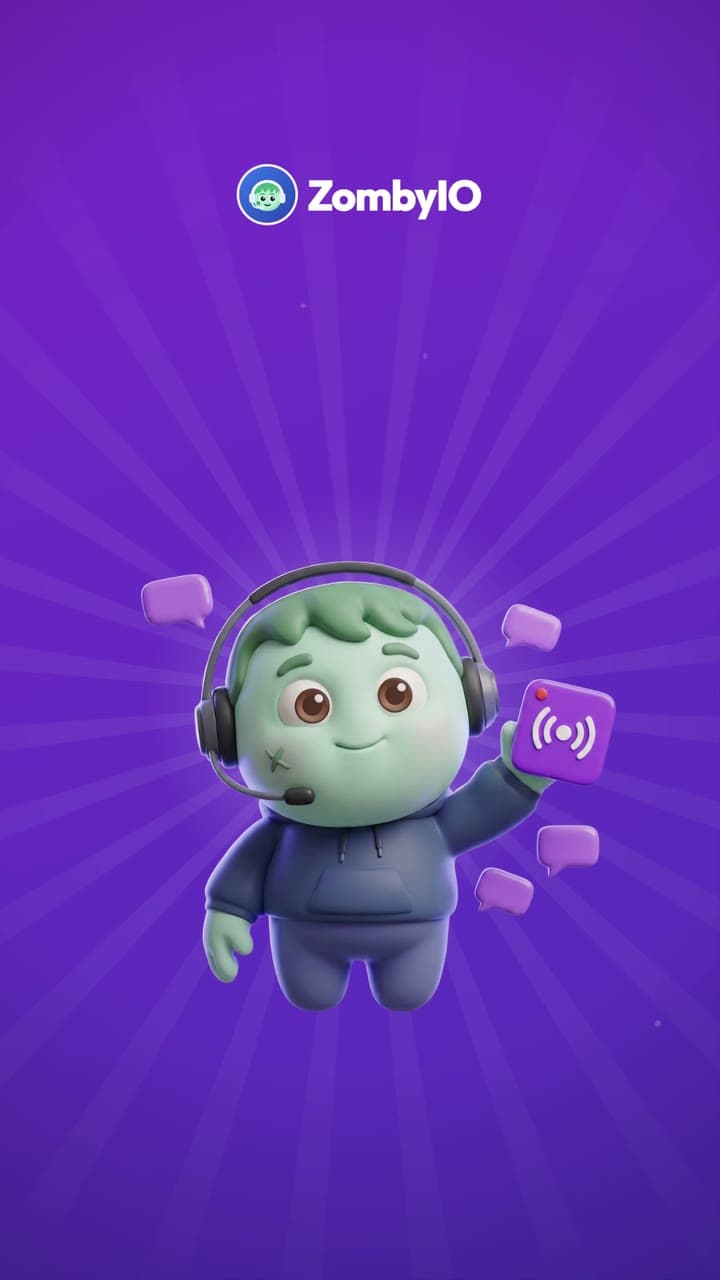
A purple circle opens. Under the ZombyIO logo the title “Twitch notifications” appears, and the zombie mascot in a headset springs up holding a purple broadcast icon among speech bubbles.
“Meet ZombyIO Twitch notifications.”
Headline “Your server hears it, usually within seconds.” A chip reads “Mia went live” and a stopwatch stops at 0:03. In #stream-alerts ZombyIO posts “@Live alerts Mia is live on Twitch!” with a stream card.
“Your server hears about it, usually within seconds.”
Headline “Title. Category. And a preview.” The stream card up close: the title “Chill stream, come say hi”, the category “Just Chatting” and the live picture are outlined one after another.
“With the title, the category and a preview.”
Headline “Stream dropped? Announced once.” The stream glitches to “OFFLINE” and “Signal lost”, shows “Reconnecting”, then is LIVE again. Below, a faded second alert is stopped: “Already announced, quiet for 30 minutes”.
“A dropped stream that reconnects? Announced once.”
Headline “Link your Twitch, join the instant list.” On zomby.io/twitch “Connect with Twitch” turns into “Connected, Mia”. Under “Streamers you follow”, Mia changes from “Watched” to “Instant” and moves up.
“Link your Twitch account, and you are on the instant list.”
A big purple “Free.” over “Announce three streamers for free, or up to 50 with Premium.” Chips: “3 streamers free”, “Title, category, preview”, “Announced once”.
“Free for three streamers.”
End card: the ZombyIO logo, a green zombie face in a blue headset, above “ZombyIO” and “Run your Discord server without the busywork.” A white button reads “zomby.io”, with “Free for every server” below.
“ZombyIO. Add it free at zomby.io.”
How it works
Twitch tells the bot when a stream starts, so channels on the instant list are announced within seconds. The rest are checked every 1 to 15 minutes.
Follow three streamers on the free plan and fifty with Premium.
The bot needs permission to write in the channel you pick, or the announcement never appears.
Set it up in three steps
Add ZombyIO to your server
Click “Add to Discord”, choose the server and confirm. Quick Start opens straight afterwards and asks what the server is for.
Add to DiscordOpen Twitch notifications in the dashboard
Your server list, then Twitch notifications: two clicks. Or press Ctrl K anywhere in the dashboard and type the name.
Set it up and save
Type the streamer's name or paste their channel address and click Look it up. Pick where the announcements go, then save.
What is free, and what Premium adds
Premium costs €6 a month per server and is shared by every admin of that server. It raises limits, it does not unlock the feature.
| What | Free | Premium |
|---|---|---|
| Twitch channels | 3 | 50 |
Questions about Twitch notifications
Is Twitch notifications free?
Yes. Twitch notifications works on the free plan, which is not a trial and does not expire. Premium costs €6 a month per server and only raises the limits in the table above.
How fast does the go-live alert arrive?
Streamers marked Instant on your dashboard are pushed to ZombyIO by Twitch and appear within a few seconds. Streamers marked Watched are checked every 1 to 15 minutes, depending on how many servers follow them. A streamer who connects their Twitch account at zomby.io/twitch moves onto the instant list.
Will a stream that drops and reconnects be announced twice?
No. After announcing a streamer, the bot waits 30 minutes before it announces them again, so a reconnect stays quiet. Going live again after a longer break is announced as normal.