Activity rolesPremium
Discord streaming role, game roles and status role bot, free
Roles that follow what members are doing in Discord: one while they stream, one while their status shows your server, one per game you pick. They come and go by themselves.
Early access: Premium only until December 5, 2026, then free for every server, with the Free limits.


This is how it looks in Discord
Give a role while members stream, play a game you picked, or have your server in their status.
Alex
Streaming on Twitch
Roles
- Live now
Activity roles in 30 seconds
What it does in your server, shown in Discord. With captions in five languages, and every scene also written out as text.
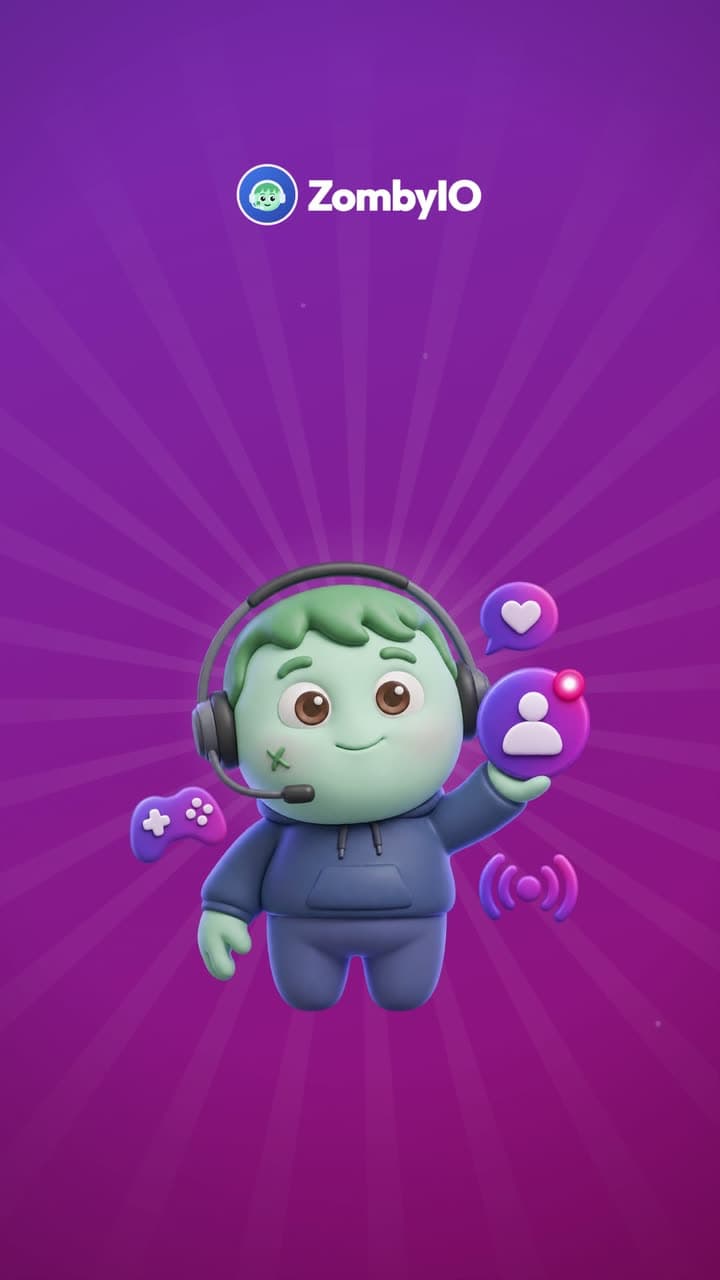
Read the video as text
Each step describes the picture first, then quotes what the voice says.
The whole sentence is there from the first frame, in large white words under the ZombyIO logo, with “Nobody noticed.” in violet. Above it, in #general on Night Owls, Mia asks “who is hungry?” and Alex “pizza or burgers?”, while in the member list Kai is “Streaming on Twitch”. His row lights up, and Ben answers “burgers, obviously”.
“Someone in your server just went live. Nobody noticed.”
A violet and magenta circle opens from the centre. Under the ZombyIO logo, “Activity roles” appears in large white letters, and the green zombie mascot in a headset springs up holding a member badge with a live dot, with a game controller, a heart and a broadcast sign around it.
“Meet ZombyIO Activity roles.”
The member list of Night Owls, under a label “LIVE Kai went live on Twitch”. Kai’s line changes to “Streaming on Twitch”, a “Live now” role appears on his row, and he moves into a new group “LIVE NOW · 1” at the top, his name in the role’s colour. A note below: “The role is set to display separately in Discord.”
“Go live, and a role lights up the member list.”
The Activity roles page at zomby.io/dashboard. Under “Invite link or words to look for”, discord.gg/nightowls is typed. Mia’s profile slides up with the status “Come and join us: discord.gg/nightowls”. The link lights up in both places, and a “Supporter” role appears beside “Member”.
“Your invite in their status? A thank-you role.”
Three labels with the games’ logos: VALORANT, Minecraft and Fortnite. In the member list, Alex and Lena move into “VALORANT · 2”, Sam into “MINECRAFT · 1” and Zoe into “FORTNITE · 1”, each with “Playing” and the game’s logo on the row.
“Game roles show who is playing what, right now.”
Back in the member list, Kai’s stream ends: “Stream ended”, then “A few seconds later”. The “Live now” role comes off, Kai moves back to Online, and a note from ZombyIO reads “Live now removed from Kai” and “Activity roles: no longer doing it”.
“When it stops, the role goes by itself.”
A large “Free.” with “Live and status roles on every server, three game roles, 25 with Premium.” Labels: “Twitch and YouTube”, “Status role”, “Game roles”. The mascot floats up.
“Free, with three game roles.”
End card: the ZombyIO logo, a green zombie face in a blue headset, above “ZombyIO” and “Run your Discord server without the busywork.” A white button reads “zomby.io”, with “Free for every server” below.
“ZombyIO. Add it free at zomby.io.”
How it works
A “Live now” role lights up your member list while somebody streams on Twitch or YouTube.
Members who put your invite link or your server’s name in their status get a role as thanks.
Game roles show who is playing what right now, so people find a group without asking.
Set it up in three steps
Add ZombyIO to your server
Click “Add to Discord”, choose the server and confirm. Quick Start opens straight afterwards and asks what the server is for.
Add to DiscordOpen Activity roles in the dashboard
Your server list, then Activity roles: two clicks. Or press Ctrl K anywhere in the dashboard and type the name.
Set it up and save
Open “Activity roles”, pick the role for members who stream, drag ZombyIO’s role above it in Discord, switch it on and save. Add a status role or game roles the same way.
What is free, and what Premium adds
Premium costs €6 a month per server and is shared by every admin of that server. It raises limits, it does not unlock the feature.
| What | Free | Premium |
|---|---|---|
| Streaming and status roles | Included | Included |
| Game roles | 3 | 25 |
Questions about Activity roles
Is Activity roles free?
Yes. Activity roles works on the free plan, which is not a trial and does not expire. Premium costs €6 a month per server and only raises the limits in the table above.
Does the role go away when the stream ends?
Yes. Discord tells the bot when a member stops streaming or playing, and the role is taken back a few seconds later. If the bot missed that moment, it takes the role back after a day without any sign of the stream.
Why does a member with my invite in their status not get the role?
Discord only shows a custom status to bots when the member allows it. In servers with more than 200 members, a status shared with friends only stays hidden from bots, and so does the activity of members who switched off activity sharing.
What does ZombyIO store about my members for this?
Only which member holds which of these roles, so it can be taken back later. What somebody streams, plays or writes in their status is checked when Discord sends it and never stored.
Everything a community actually needs
Server stats
Channel names that show members, online, who is in voice, boosts and more, updated every ten minutes.Learn moreLevelling
Reward activity with XP, ranks and role rewards.Learn moreStream Drops
Turn Twitch watchtime into XP, roles and gifts, delivered by direct message.Learn moreTriggers
Answer the questions your members keep asking, the moment they ask them.Learn more