Custom commandsPremium
Discord custom commands bot: your own slash commands, free
Write your own slash commands. Members type / in Discord, pick yours, and the bot answers with your text, an embed or a role.
Early access: Premium only until December 9, 2026, then free for every server, with the Free limits.
This is how it looks in Discord
Your own slash commands like /rules, /socials or /hug @member, with the answer, embed and role you choose.
Alex used /rules
Rules
1. Be kind to each other.
2. No spam and no advertising.
3. Keep each topic in its channel.
The team has the last word.
Custom commands in 30 seconds
What it does in your server, shown in Discord. With captions in five languages, and every scene also written out as text.
Read the video as text
Each step describes the picture first, then quotes what the voice says.
The whole sentence is there from the first frame, in large white words under the ZombyIO logo, with “own slash commands?” in blue. Above it, in #general on Night Owls, Kai asks “where were the rules again?”. A slash is typed, and Discord’s list offers only the bot’s own commands: /rank, /help, /leaderboard and /birthday.
“Wish your server had its own slash commands?”
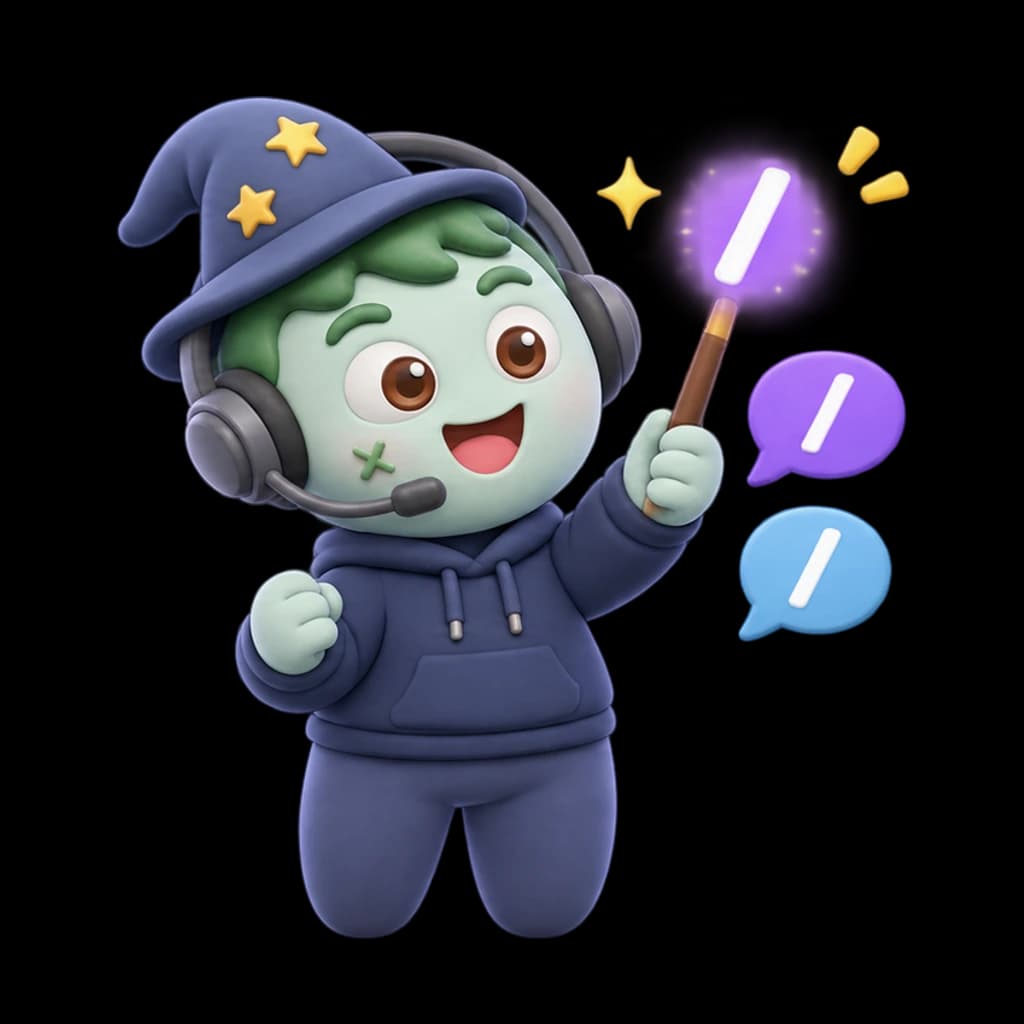
A slate and violet circle opens from the centre. Under the ZombyIO logo, “Custom commands” appears in large white letters, and the green zombie mascot in a headset springs up holding a slash bubble, with a wizard hat, a magic wand and a chat bubble around it.
“Meet ZombyIO Custom commands.”
The Custom commands page at zomby.io/dashboard, under “Start from a template”. Rules, Socials and Hug are pressed one after another, and /rules, /socials and /hug appear under “Your commands”, each marked “Live”. A card “Edit /movie-night” slides up as the name movie-night is typed.
“/rules, /socials, /hug. You name it.”
In #general, Mia types a slash. Discord’s list shows /rules “Read the server rules”, /socials “Where to find us” and /hug “Give somebody a hug” above the bot’s /rank and /help. The three light up, and /hug is picked.
“Members find them in Discord’s own list.”
Three answers from ZombyIO. Mia used /hug: “@Mia gives @Leo a big hug 🤗”. Leo used /rules: a card titled “Rules” with the four rules. Kai used /8ball: the answers roll until “🎱 Yes, definitely.”
“Answer with text, an embed, or a random pick.”
A label “Notifications on and off”. Mia uses /notify, and a reply only she can see says “Done: you now have @Announcements.” The role appears on her profile. She uses it again: “Done: @Announcements was taken away.”, and the role leaves her profile.
“A command can even give or take a role.”
A large “Free.” with “Two commands on every server, 50 with Premium.” Labels: “Embeds”, “Random answers”, “Give or take a role”. The mascot floats up.
“Free, with two commands.”
End card: the ZombyIO logo, a green zombie face in a blue headset, above “ZombyIO” and “Run your Discord server without the busywork.” A white button reads “zomby.io”, with “Free for every server” below.
“ZombyIO. Add it free at zomby.io.”
How it works
Members find your commands in Discord’s own / list, with your description.
Answers can be text or an embed, picked at random from several, and can name a member: /hug @Leo.
A command can give, take or toggle a role, and you decide who may use it and where.
Set it up in three steps
Add ZombyIO to your server
Click “Add to Discord”, choose the server and confirm. Quick Start opens straight afterwards and asks what the server is for.
Add to DiscordOpen Custom commands in the dashboard
Your server list, then Custom commands: two clicks. Or press Ctrl K anywhere in the dashboard and type the name.
Set it up and save
Open “Custom commands”, pick a template or add your own, write the answer and save. Members find it in Discord as soon as they type a slash.
What is free, and what Premium adds
Premium costs €6 a month per server and is shared by every admin of that server. It raises limits, it does not unlock the feature.
| What | Free | Premium |
|---|---|---|
| Custom commands that run | 2 | 50 |
Questions about Custom commands
Is Custom commands free?
Yes. Custom commands works on the free plan, which is not a trial and does not expire. Premium costs €6 a month per server and only raises the limits in the table above.
Where do members find my commands?
In Discord’s own list: they type / and your commands show up next to the bot’s, with the description you wrote. Nothing to install and no prefix to remember.
Can a command give or take a role?
Yes. A command can give a role, take it away, or switch it on and off, for example a role for announcements. The ZombyIO role has to sit above that role in your server settings.
Can I decide who may use a command?
Yes. Everyone, only moderators or only admins, and you can also allow a command only in certain channels, only for members with a certain role, or only once per minute per member.
Everything a community actually needs
Giveaways
Run prize draws with a join button, entry rules and winners who are still on the server.Learn moreBirthdays
Members enter their birthday, and on the day the bot congratulates them and can give a role until midnight.Learn moreStarboard
Messages your members love get a copy in a channel of their own, the moment they have enough stars.Learn moreActivity roles
Give a role while members stream, play a game you picked, or have your server in their status.Learn more