GiveawaysFree
Free Discord giveaway bot with a join button
Run prize draws with a join button, entry rules and winners who are still on the server.

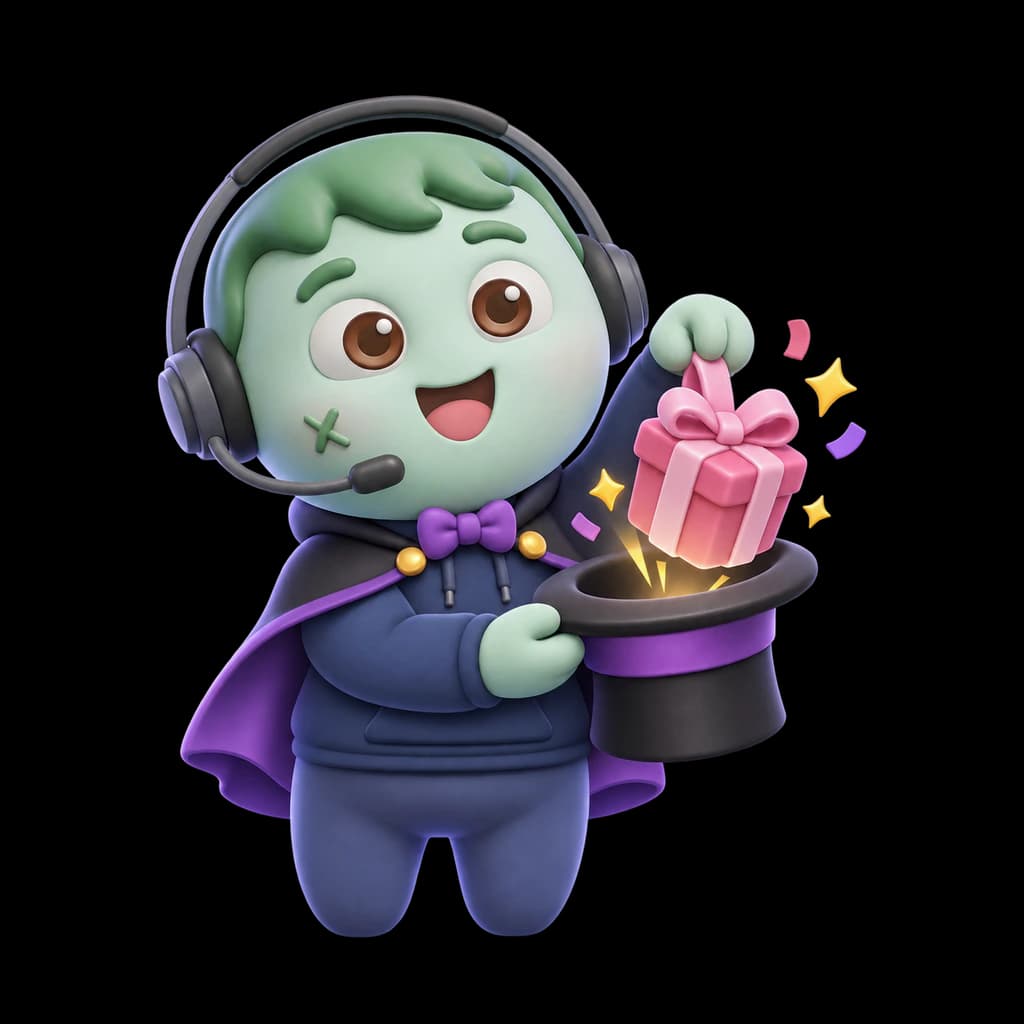
This is how it looks in Discord
Run prize draws with a join button, entry rules and winners who are still on the server.
🎉 Quick draw
Giveaways in 30 seconds
What it does in your server, shown in Discord. With captions in five languages, and every scene also written out as text.
Read the video as text
Each step describes the picture first, then quotes what the voice says.
The whole sentence is there from the first frame, in large white words under the ZombyIO logo, with “left the server” in pink. Above it, in #giveaways on Night Owls, the line “Alex left the server. Last Tuesday” lights up red, and below it Mia writes “Congrats @Alex, you won the Nitro! Alex? Anybody seen Alex?”
“Your giveaway winner left the server last week.”
A pink circle opens from the centre. Under the ZombyIO logo, “Giveaways” appears in large white letters, and the green zombie mascot in a headset springs up and waves.
“Meet ZombyIO Giveaways.”
The Giveaways page at zomby.io/dashboard. “Discord Nitro for a month” is typed under “What can people win?”. Under “How long it runs”, 3 d is picked; under “How many win”, 1 is set. “Start giveaway” is pressed, and “Started. The message is in the channel.” and “1 of 3 running” appear.
“Name the prize, set the time, and start.”
In #giveaways, ZombyIO posts “Discord Nitro for a month”, “Ends in 3 days”, “1 winner”, “Joined: 127”, “Hosted by @Mia” and a green “Join” button. The button is pressed, the count goes to 128, and a message only that member can see says “You are in for Discord Nitro for a month. Good luck!”
“Members join with one button.”
A card “Who may join” slides up under the message. “Must have one of these roles” gets Member, and the message’s line “You need one of these roles: @Member” lights up. “Bonus entries” gets Booster, three tickets and “3 entries”, and “@Booster counts as 3 entries” lights up. Below: “A role with 3 entries gives three times the chance of a member with one.”
“Roles and bonus entries are up to you.”
A card “Before anybody is named”, marked “1 winner”. Names flash past and stop on @Alex. Two checks are running: “Still on the server” and “Still meets your conditions”.
“Every winner is checked before they are named.”
“Still on the server” gets a red cross. Alex’s name turns grey, is struck through and marked “Passed over”. @Mia slides in, both checks turn green and the mark reads “Winner”. Confetti flies, and ZombyIO writes in #giveaways: “Congratulations @Mia! You won Discord Nitro for a month.”
“Already gone? The bot draws the next one.”
A large “Free.” with “Three running at once on every server, 50 with Premium.” Labels: “One button to join”, “Bonus entries”, “Draw again”. The mascot floats up.
“Free, with three running at once.”
End card: the ZombyIO logo, a green zombie face in a blue headset, above “ZombyIO” and “Run your Discord server without the busywork.” A white button reads “zomby.io”, with “Free for every server” below.
“ZombyIO. Add it free at zomby.io.”
How it works
A button, not a reaction, so nobody has to hunt for an emoji and you can see exactly who is in.
Winners are checked before they are named: still on the server, and still meeting your conditions.
It survives restarts. A giveaway is stored, so it ends on time whatever the bot was doing.
Set it up in three steps
Add ZombyIO to your server
Click “Add to Discord”, choose the server and confirm. Quick Start opens straight afterwards and asks what the server is for.
Add to DiscordOpen Giveaways in the dashboard
Your server list, then Giveaways: two clicks. Or press Ctrl K anywhere in the dashboard and type the name.
Set it up and save
Open “Giveaways”, choose a channel and name the prize, pick how long it runs and how many win, then press “Start giveaway”.
Commands
Type / in Discord and they appear, in each member’s own language. Everything else is set up in the dashboard.
ZombyIO
/giveawayStart, end and draw giveaways
What is free, and what Premium adds
Premium costs €6 a month per server and is shared by every admin of that server. It raises limits, it does not unlock the feature.
| What | Free | Premium |
|---|---|---|
| Giveaways running at once | 3 | 50 |
Questions about Giveaways
Is Giveaways free?
Yes. Giveaways works on the free plan, which is not a trial and does not expire. Premium costs €6 a month per server and only raises the limits in the table above.
What happens if a winner has already left the server?
They are passed over. Before anybody is named, the bot asks Discord whether that person is still on the server and still meets the conditions, and draws the next one if not.
Can I see who joined?
Yes. Every giveaway on the page lists who joined, with their number of entries and whether they won. Entries that did not win are deleted 30 days after the end.
Everything a community actually needs
Birthdays
Members enter their birthday, and on the day the bot congratulates them and can give a role until midnight.Learn moreStarboard
Messages your members love get a copy in a channel of their own, the moment they have enough stars.Learn moreActivity roles
Give a role while members stream, play a game you picked, or have your server in their status.Learn moreServer stats
Channel names that show members, online, who is in voice, boosts and more, updated every ten minutes.Learn more